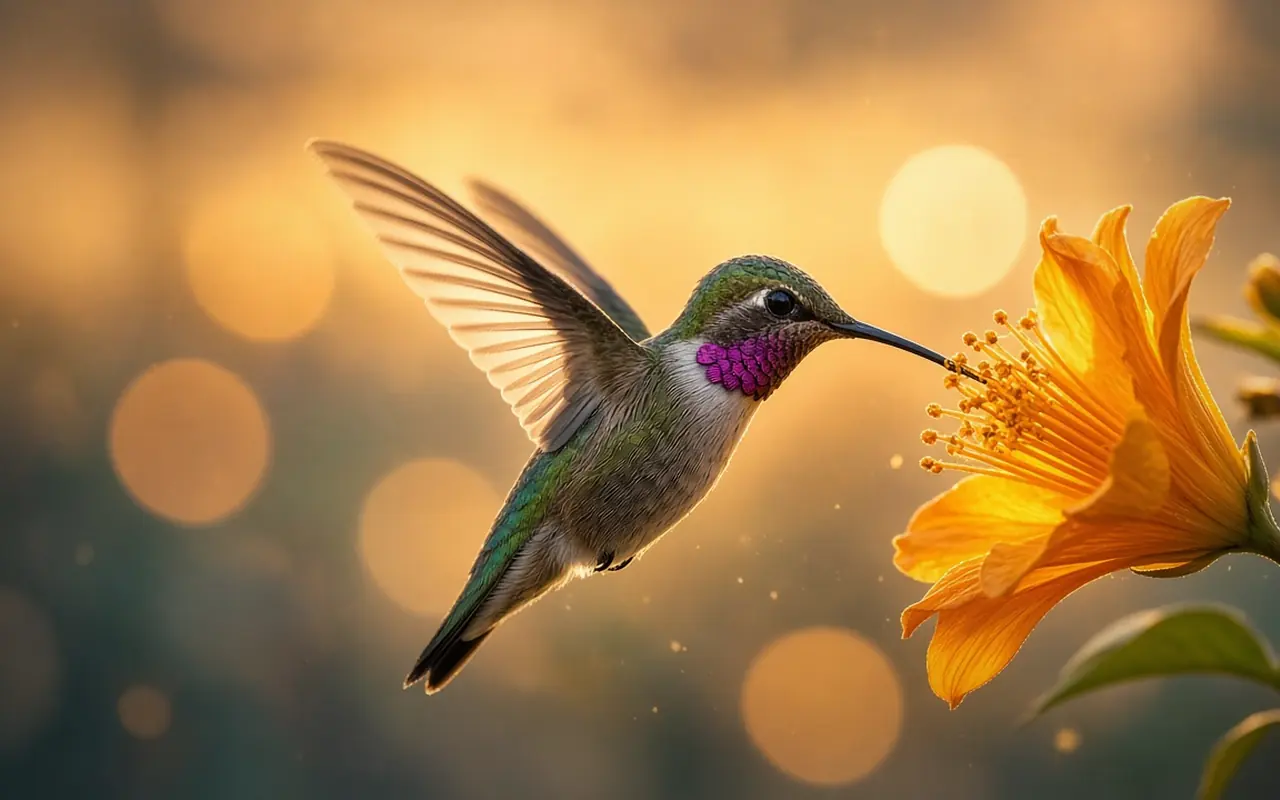
FLUX.3 Klein
Fast photoreal portraits and edits from your photos.
≈ 4–6 credits estimatedDescribe the finished picture, not the change: who, wearing what, where, which light.

Short notes on every engine: what it does best, where it slips, one tip, and what it costs. Prices read “≈ X credits estimated”.
Fast photoreal portraits and edits from your photos.
≈ 4–6 credits estimatedDescribe the finished picture, not the change: who, wearing what, where, which light.
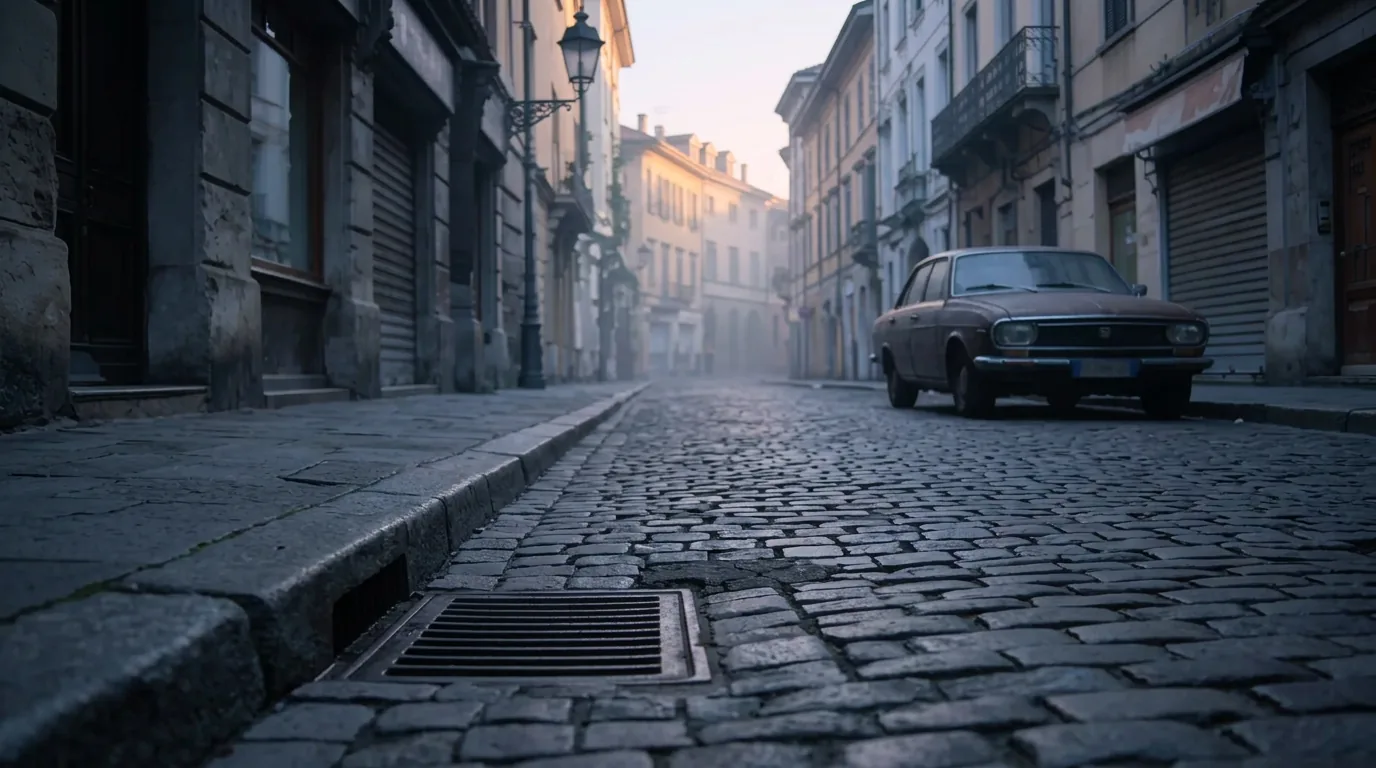
Re-lights a place: dawn, night, rain, from one photo.
≈ 6–9 credits estimatedName the light source and its colour: “low orange sun from the left, long shadows”.
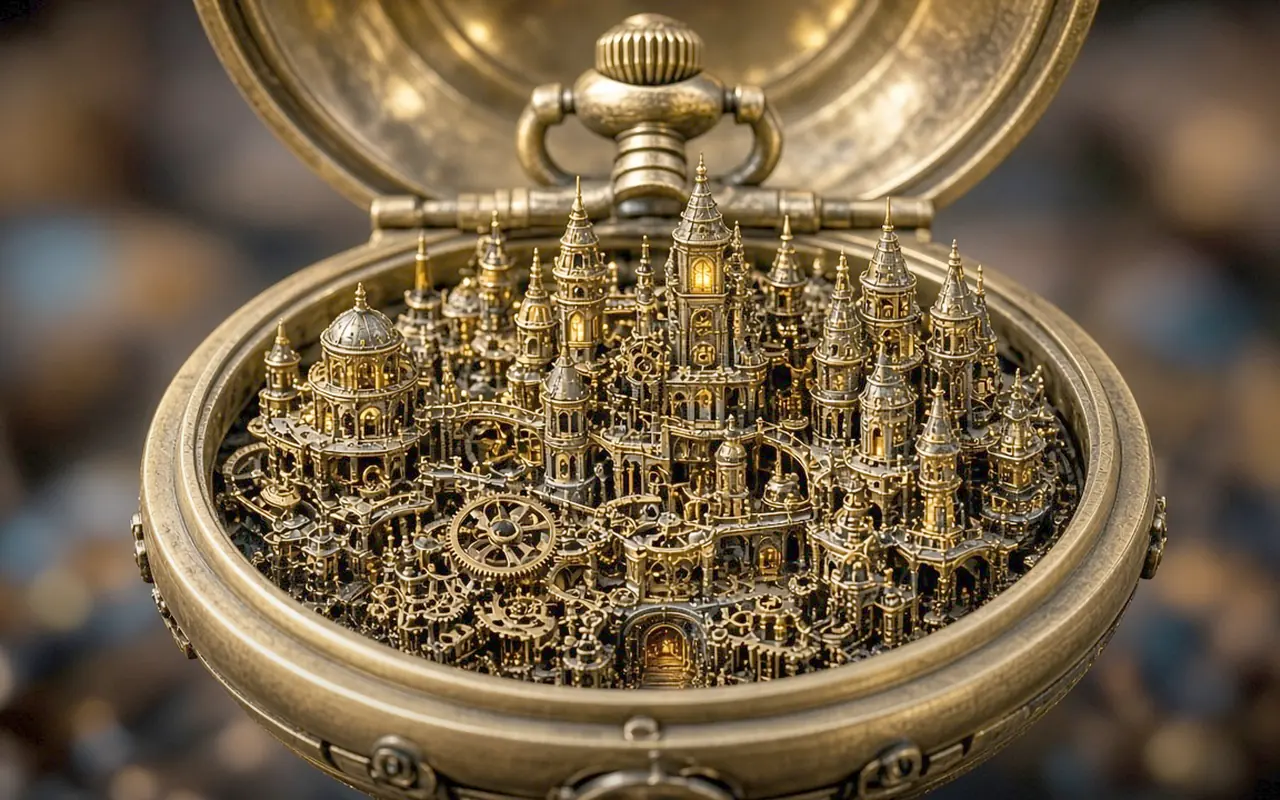
One model to create and edit, strong with text and many references.
≈ 6–12 credits estimatedMention every reference by number (image 1 is the one being edited). Hands need more steps.
Heavy, high-detail image from up to several references.
≈ 35–100 credits estimatedTry Klein or Qwen first; keep this for the one picture that must be perfect.
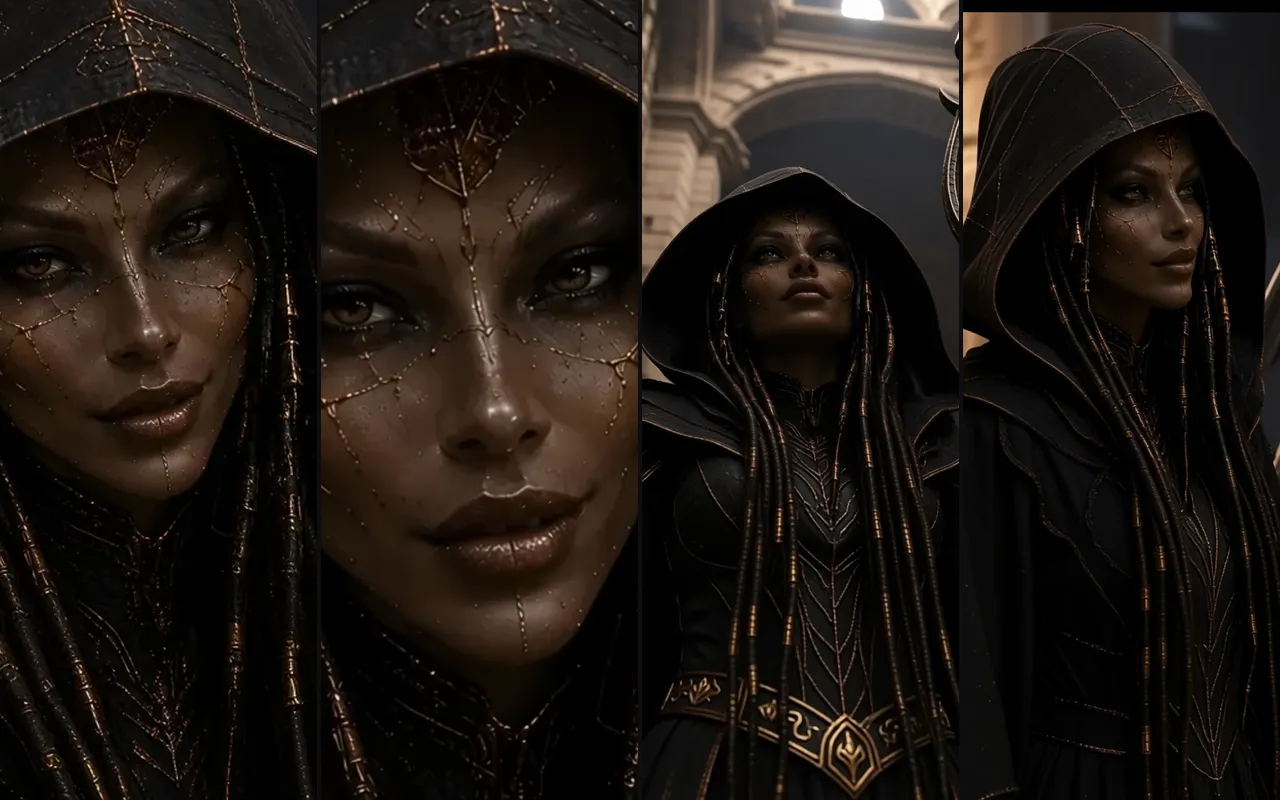
Turns one picture of a character or place into other camera angles.
≈ 11–17 credits estimatedStart from a full-body, evenly lit picture on a plain background.
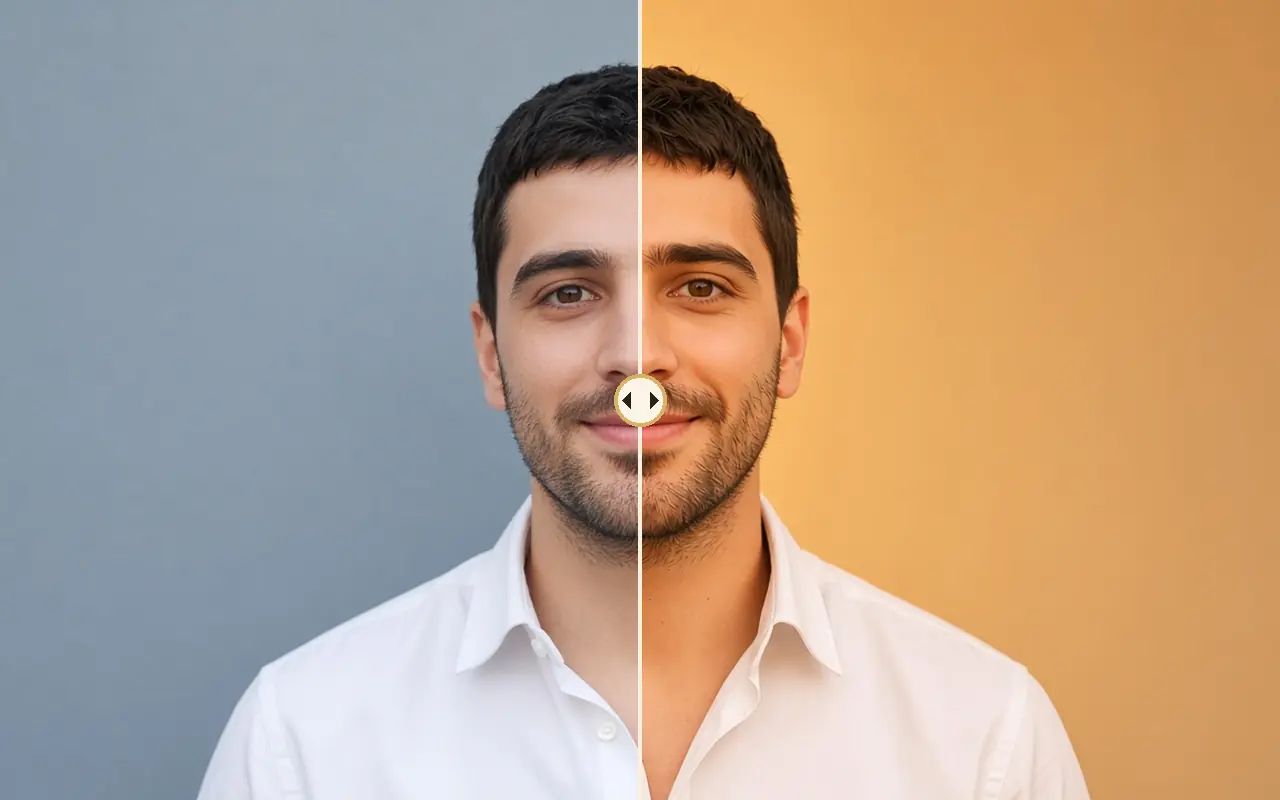
Changes the lighting of a picture, or copies light from another one.
≈ 3–6 credits estimatedSay where the light comes from and how hard it is: “soft window light from the right”.
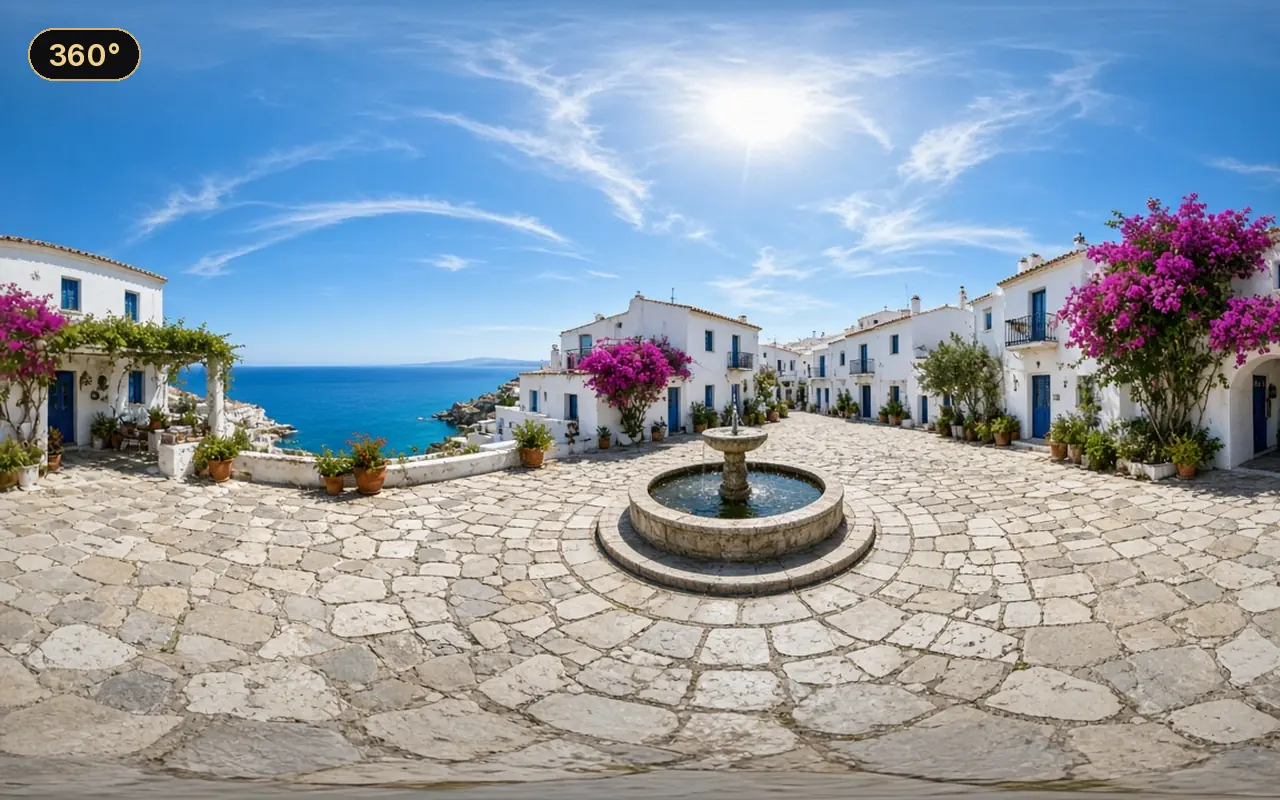
Makes a full 360° panorama of a place.
≈ 20–30 credits estimatedDescribe the whole surroundings, not one view: floor, sky or ceiling, all four sides.
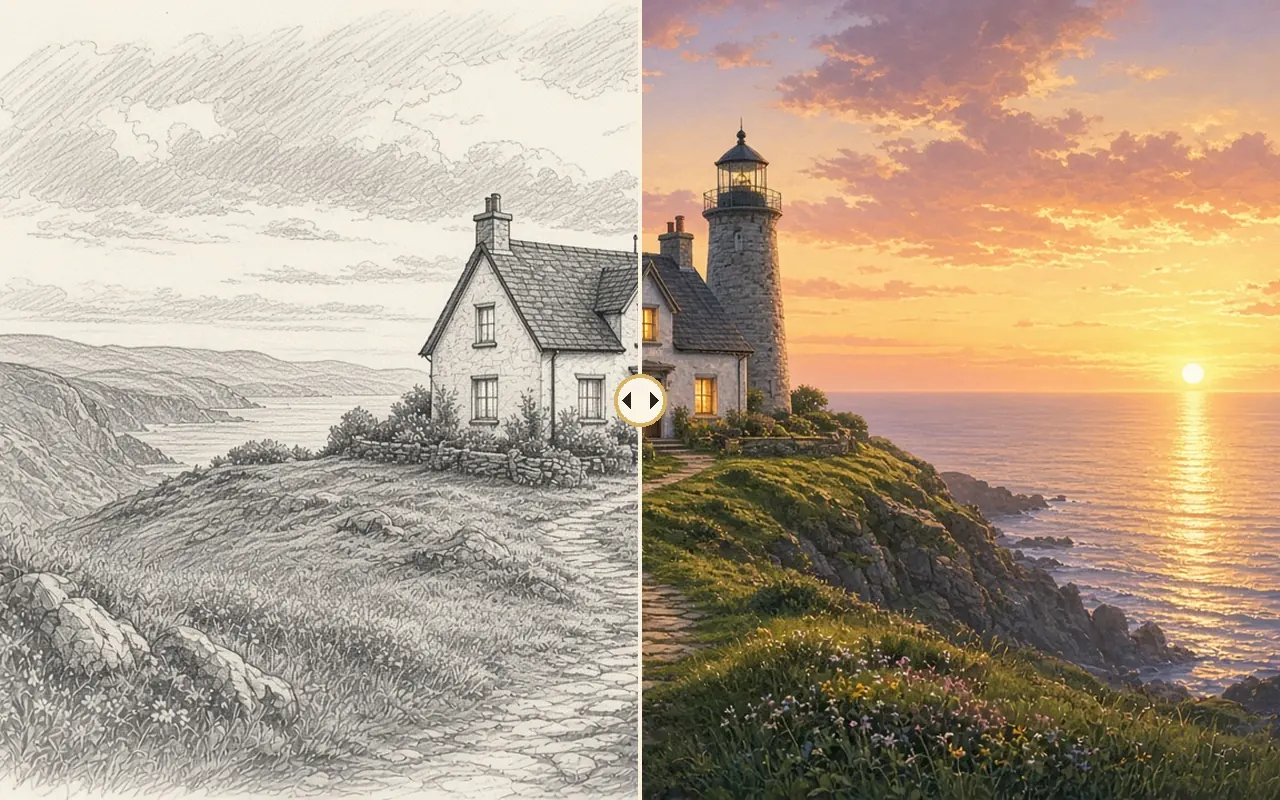
Turns a rough sketch or layout into a finished picture.
≈ 17–26 credits estimatedDraw big shapes clearly; put the details in the text.
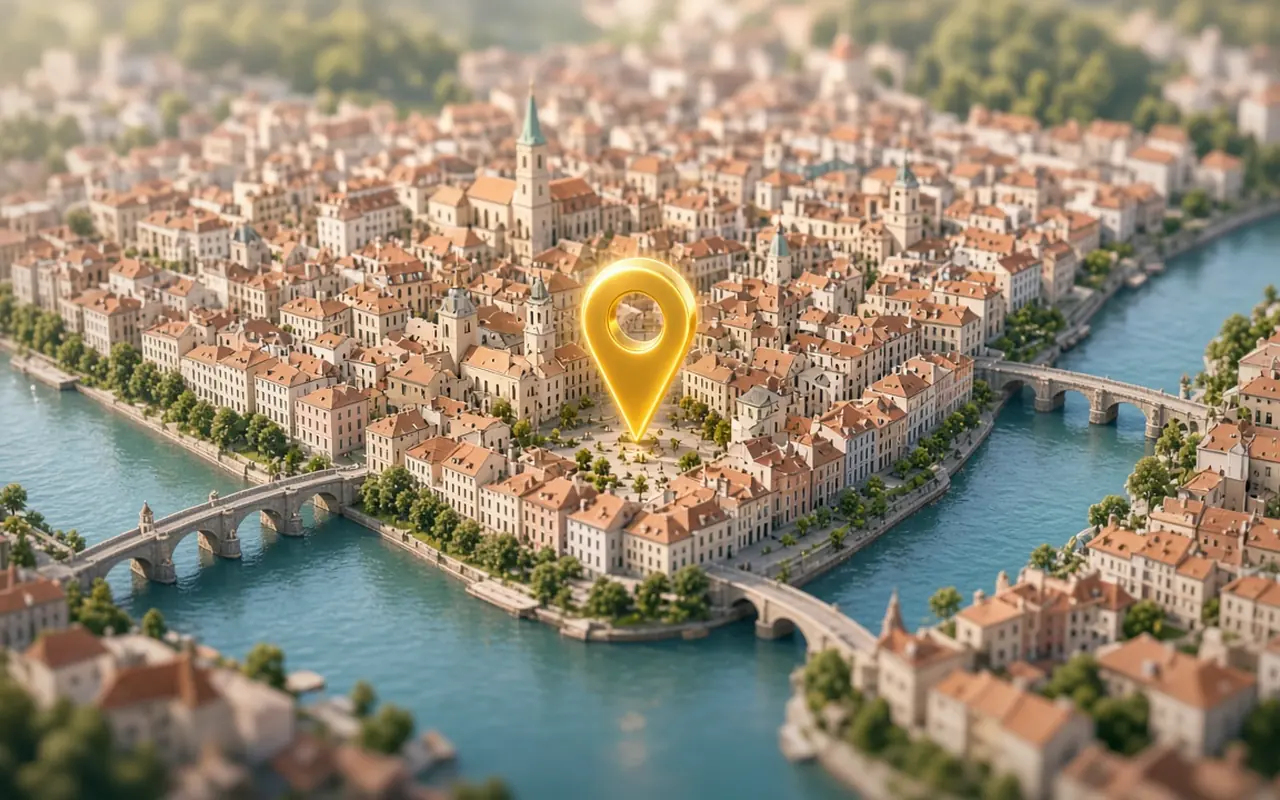
Finds real open street photos near a place to inspire a set.
≈ price shown before each runUse the photo as a starting point for a set, then change hour or weather.
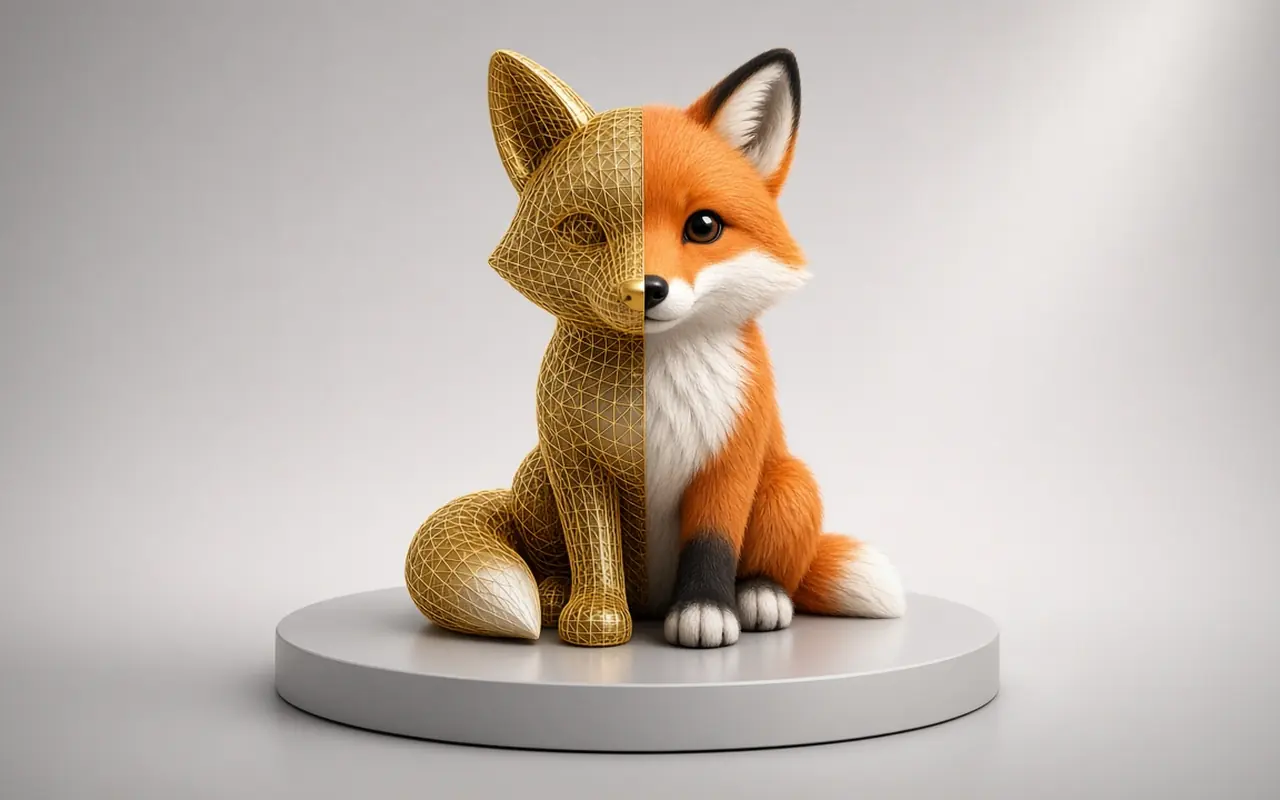
Turns a picture of an object into a 3D model.
≈ 17–25 credits estimatedUse one object, centred, on a plain background, lit evenly.
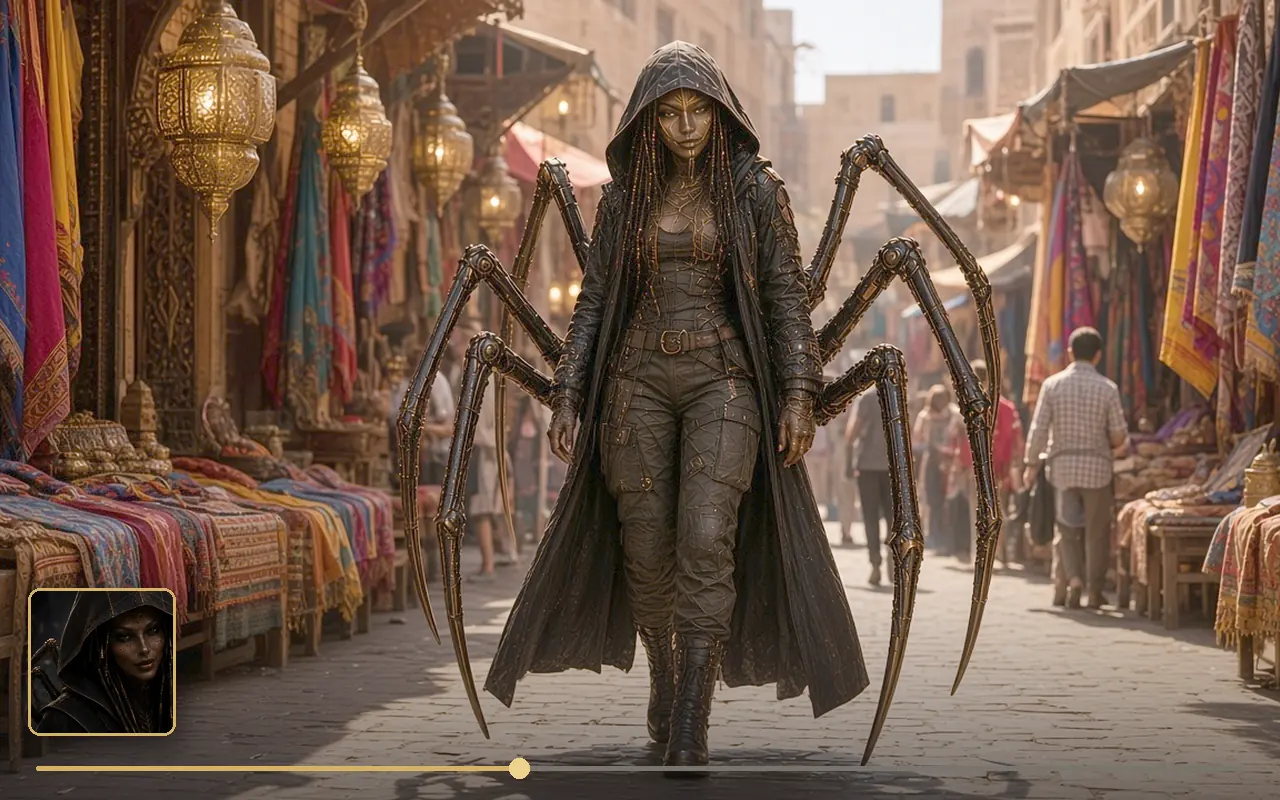
Video shot with sound that follows up to 9 reference pictures.
≈ 4–6 credits estimatedGive each picture a role (“Picture 1 is the woman”). Say what you want, never what to avoid.
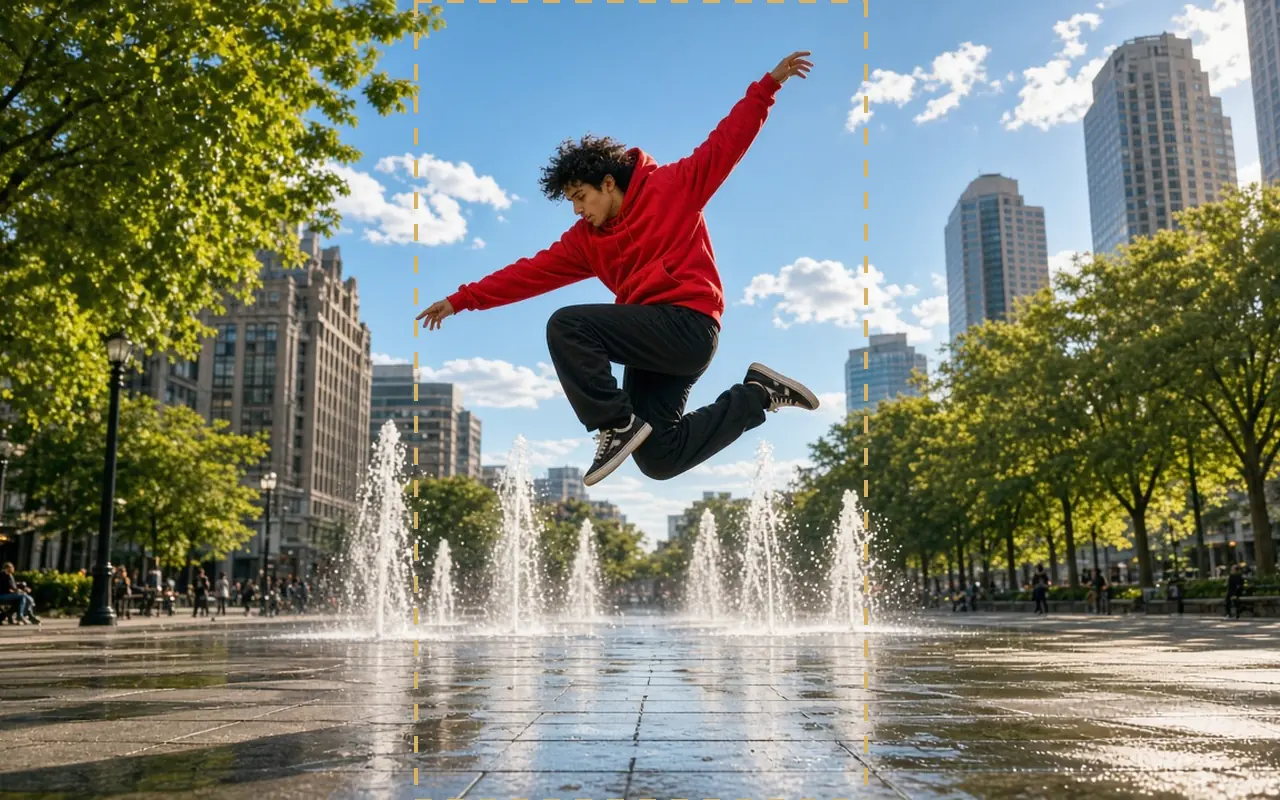
Animates a first image into a shot with sound and camera moves.
≈ 18–27 credits estimatedThe image already shows the scene: write only what moves, the camera, and the sound, in one paragraph.
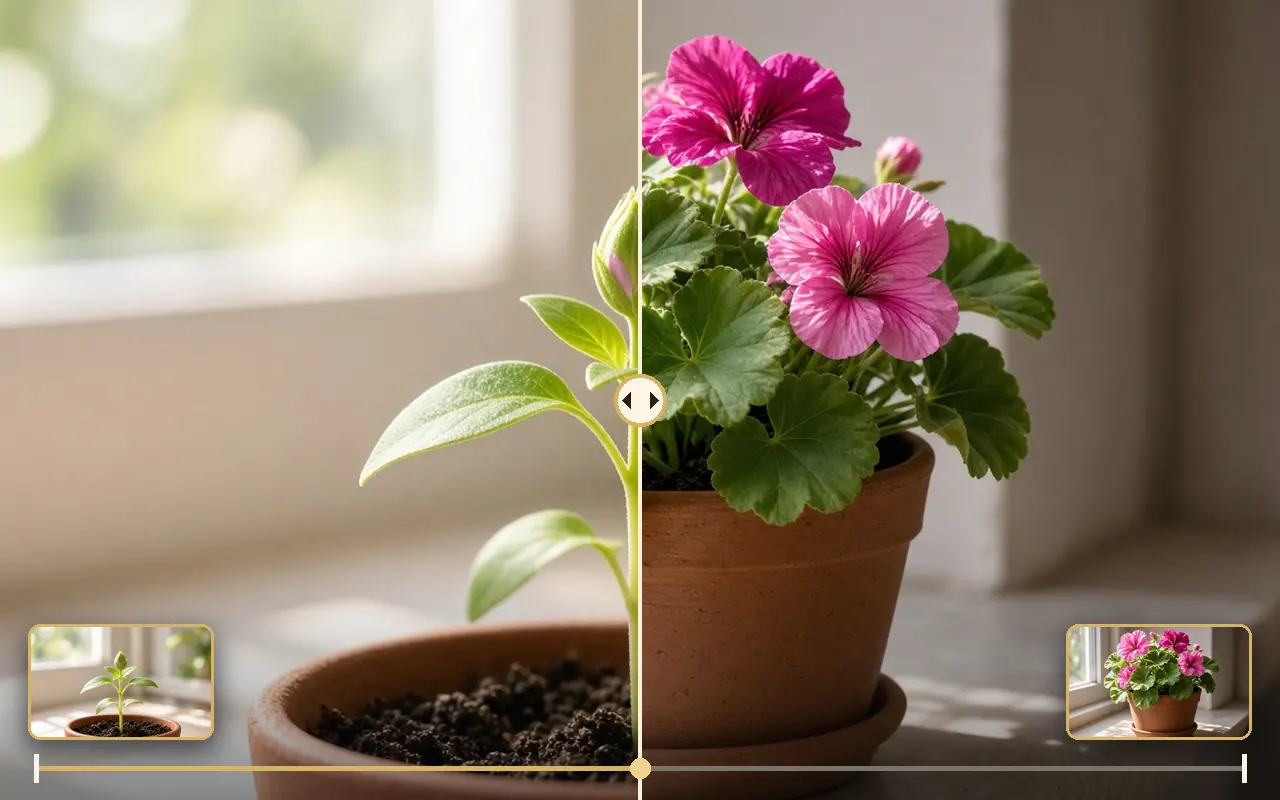
Makes the motion between a first and a last image.
≈ 7–11 credits estimatedUse two images with the same light and lens; describe one simple action between them.
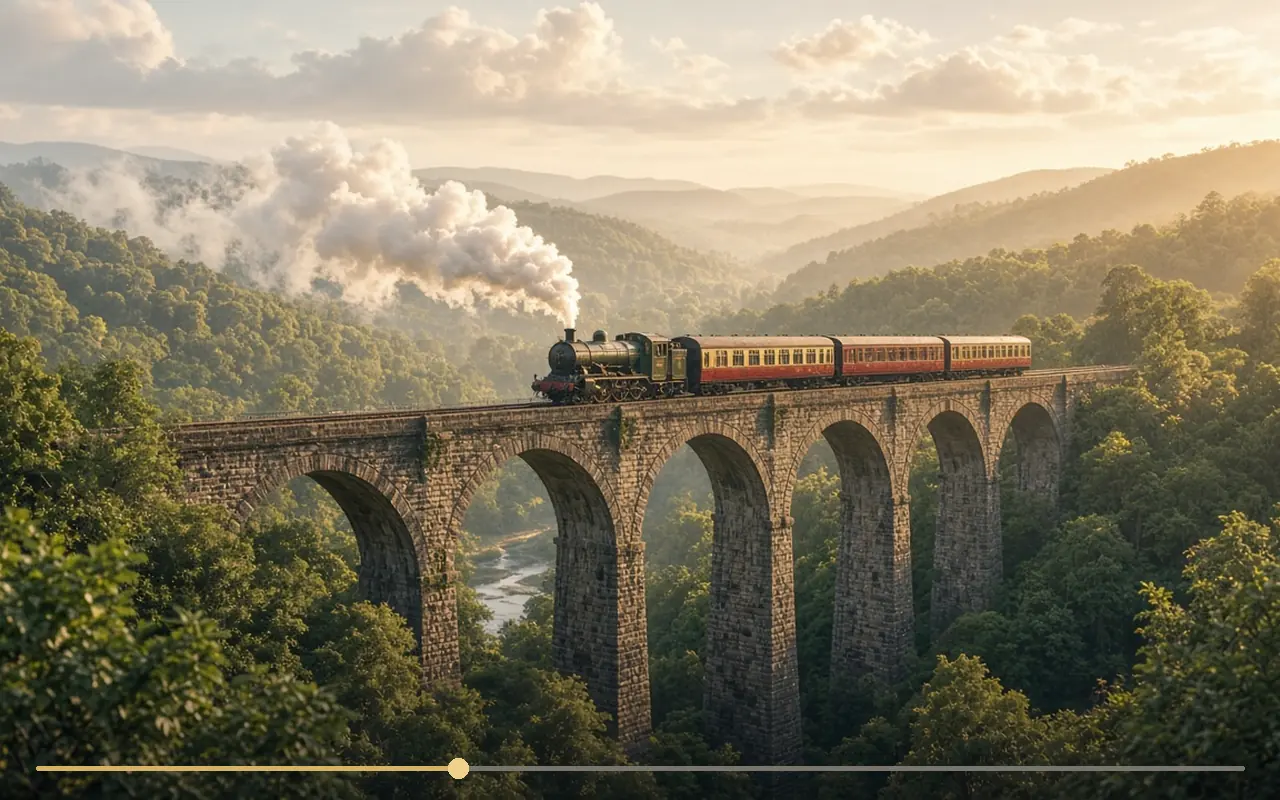
A shot with sound from text only.
≈ 5–8 credits estimatedWrite 4–8 present-tense sentences: shot, place and light, action, camera, sound.
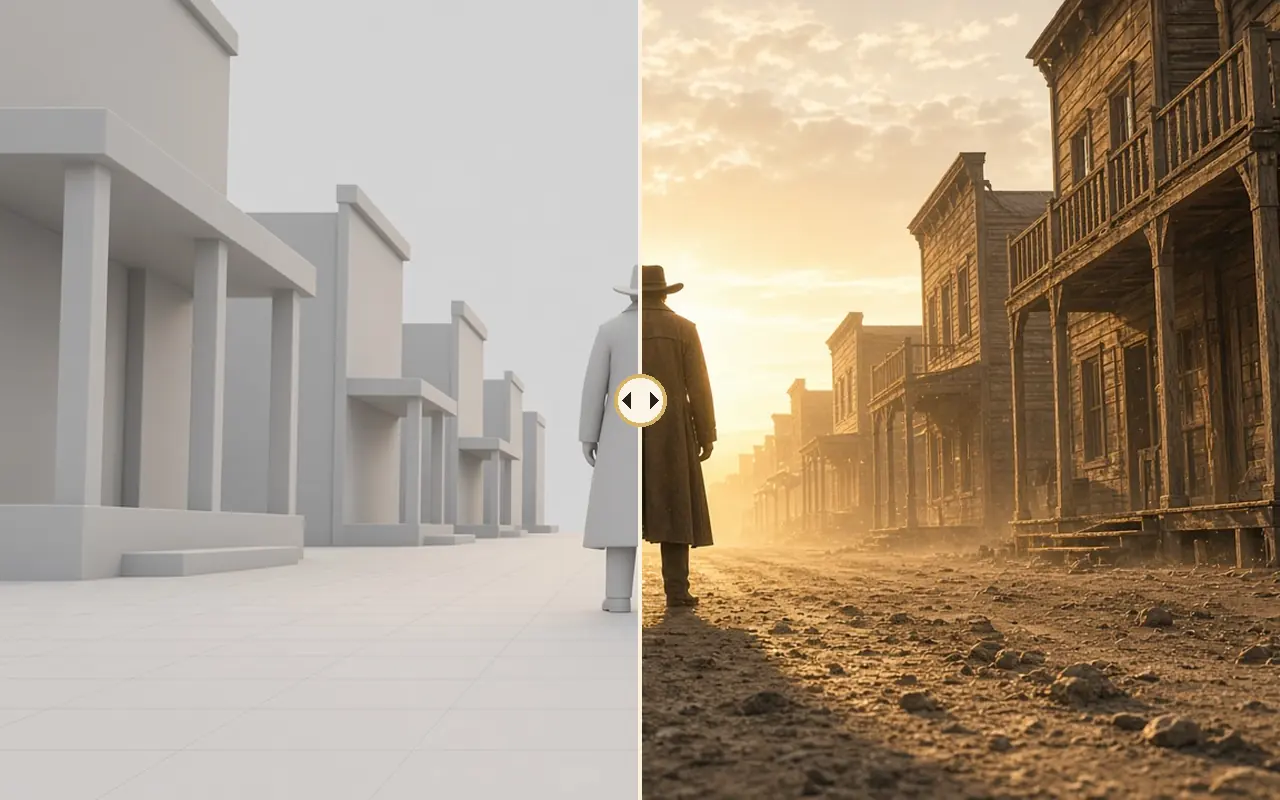
Copies a camera move or layout from a guide video.
≈ 15–30 credits estimatedMake the guide simple and smooth; the style comes from the text and first image.
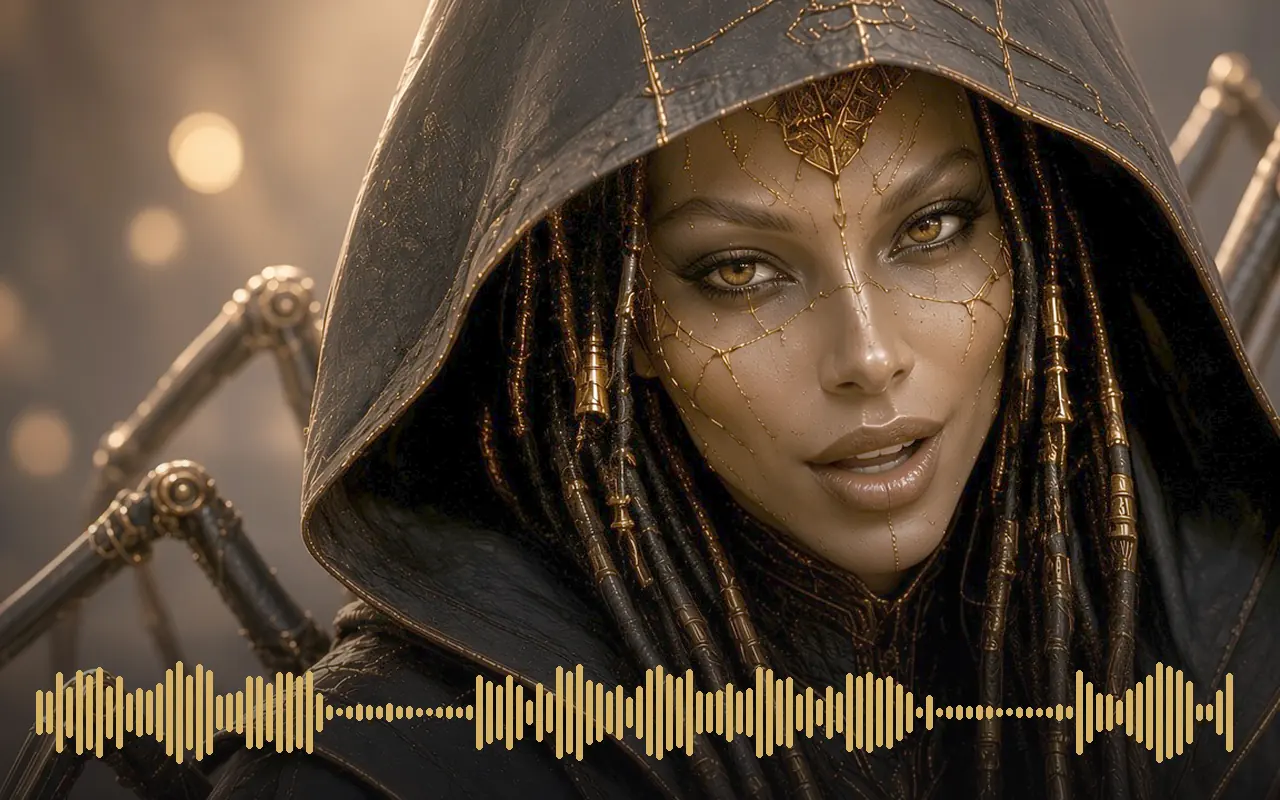
Animates a face so its lips follow a voice track.
≈ 8–13 credits estimatedUse a front-facing, well-lit face and clean audio without music.
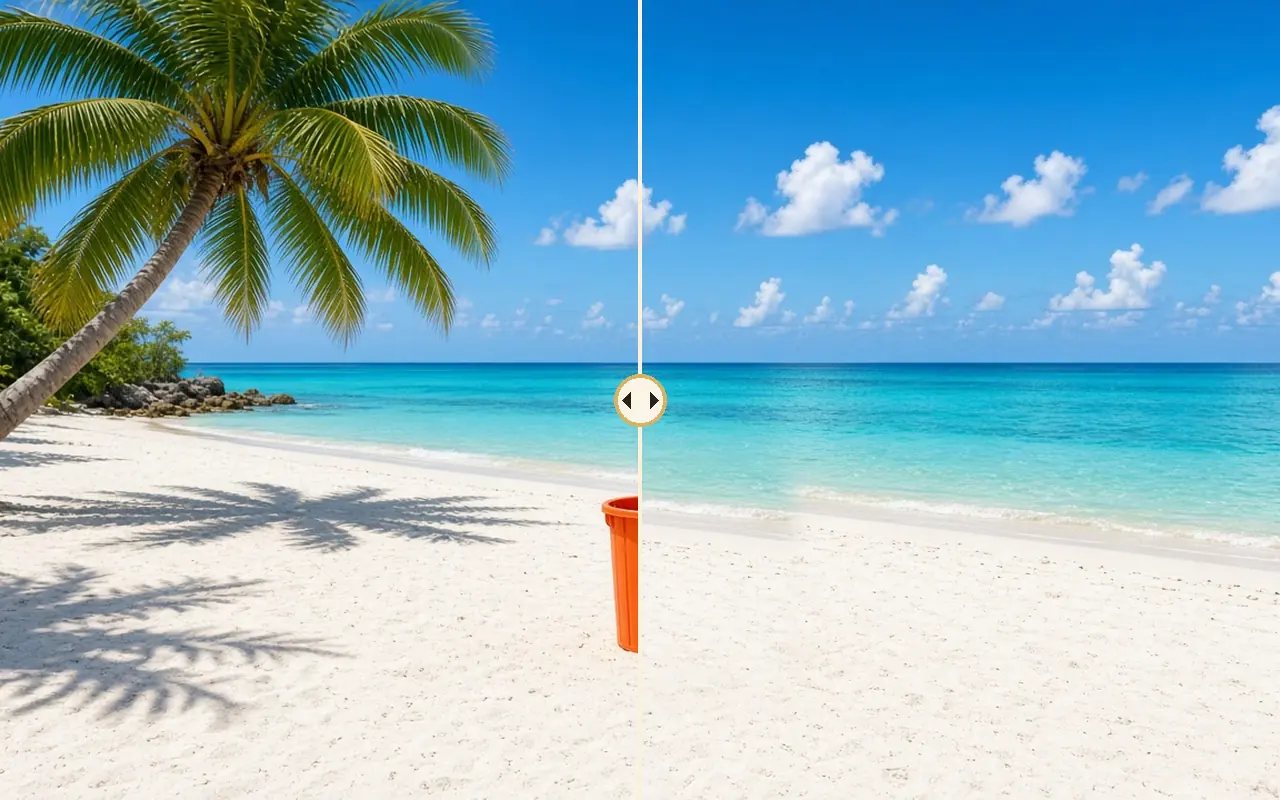
Removes an object or person from a video and fills the gap.
≈ 25–38 credits estimatedName exactly what to remove and what should be behind it.
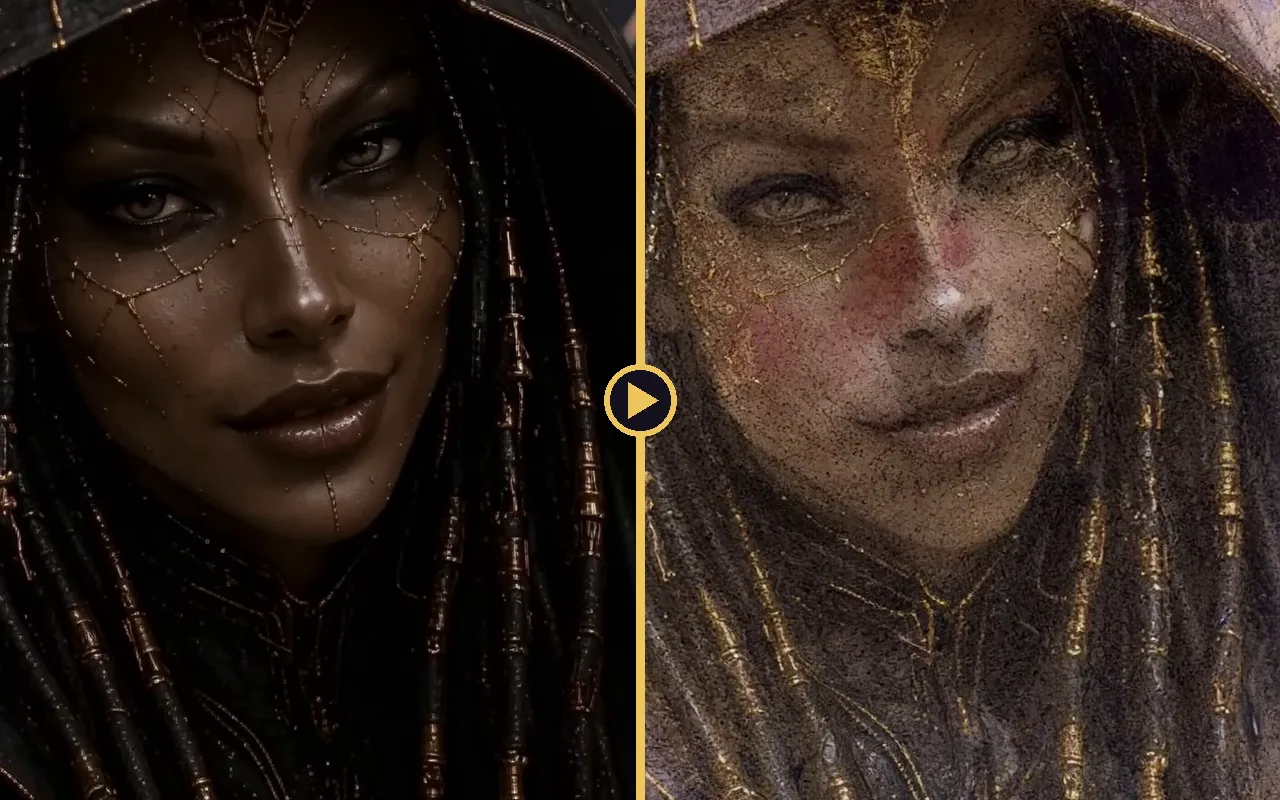
Turns a clip from one look into another during the shot.
≈ 7–11 credits estimatedDescribe the start look and the end look in clear, visual words.
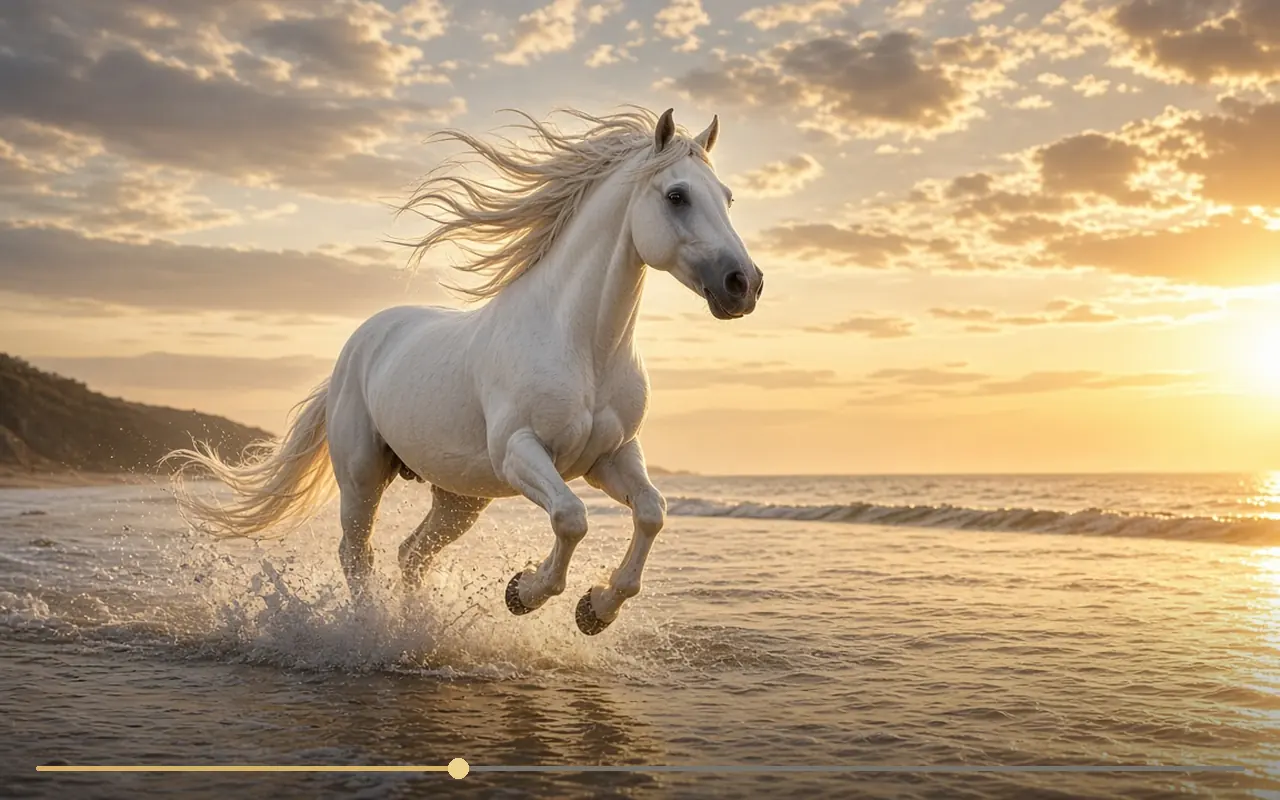
Animates one image into a short silent clip.
≈ 8–13 credits estimatedDescribe the action and camera in a few clear sentences; keep one main action.
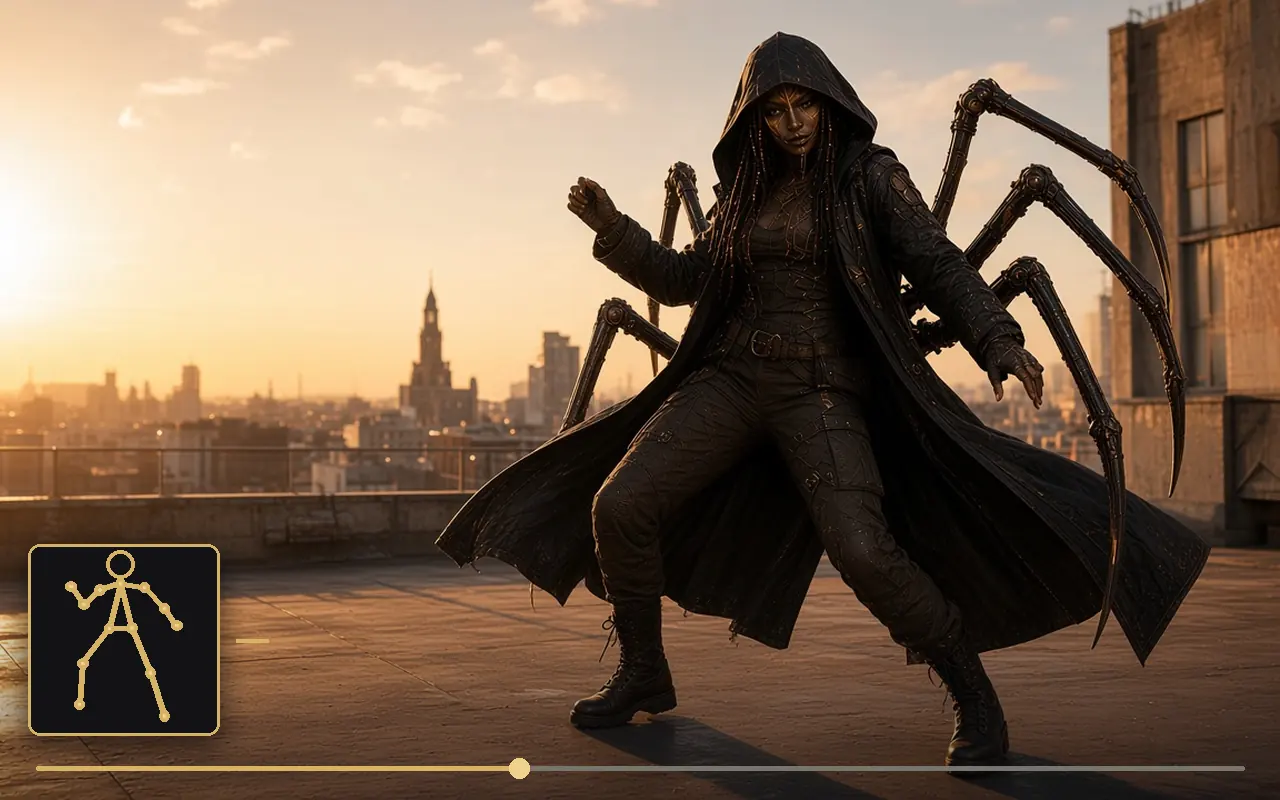
Makes your character copy the moves of a driving video.
≈ 17–25 credits estimatedFilm the driving video with the full body in frame and steady light.
H3 variant that follows a precise action from references.
≈ 8–12 credits estimatedWrite one action with a clear start and end: “she picks up the cup and drinks”.
H3 variant with sound that keeps faces very well.
≈ 8–12 credits estimatedTo keep the place, add: “medium shot, the camera never pushes in, the room stays in frame”.
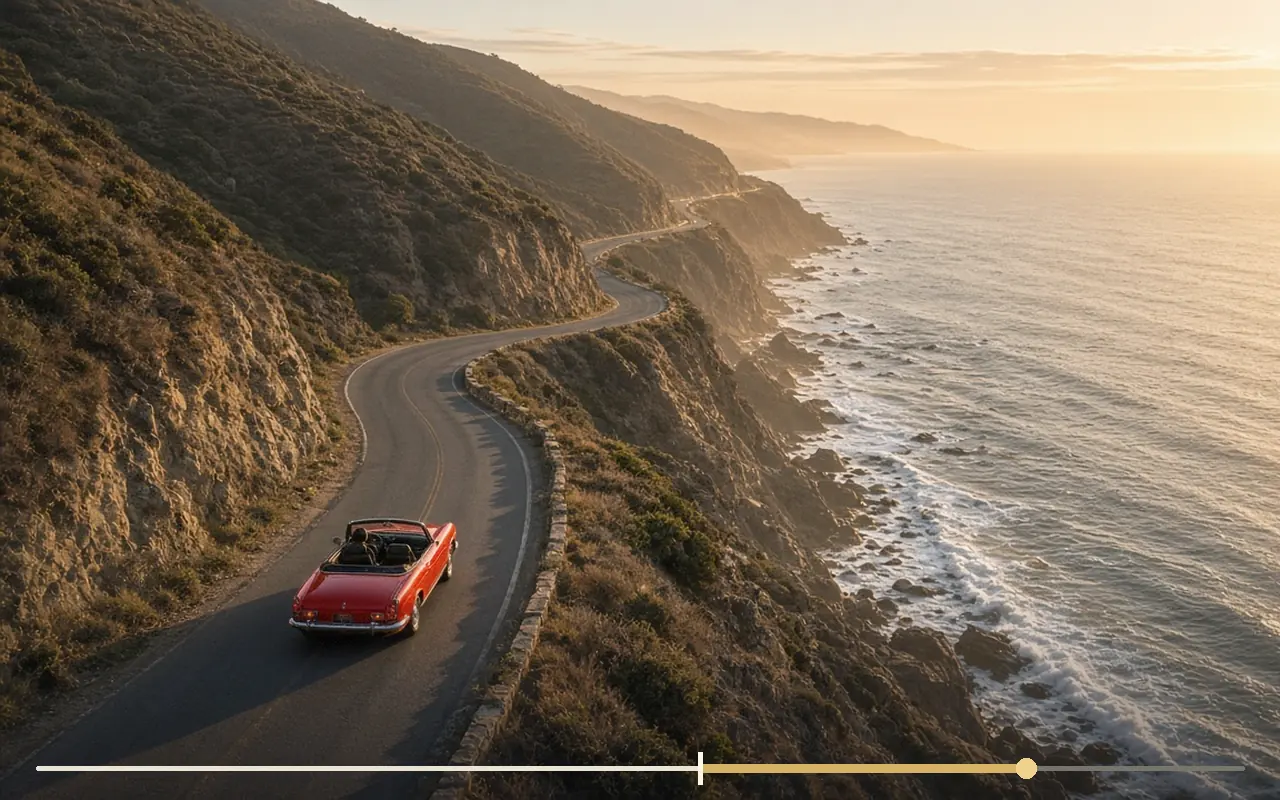
Animates a still or continues a clip from its last frame.
≈ 4–10 credits estimatedFor a continuation, describe what happens next, not what is already on screen.
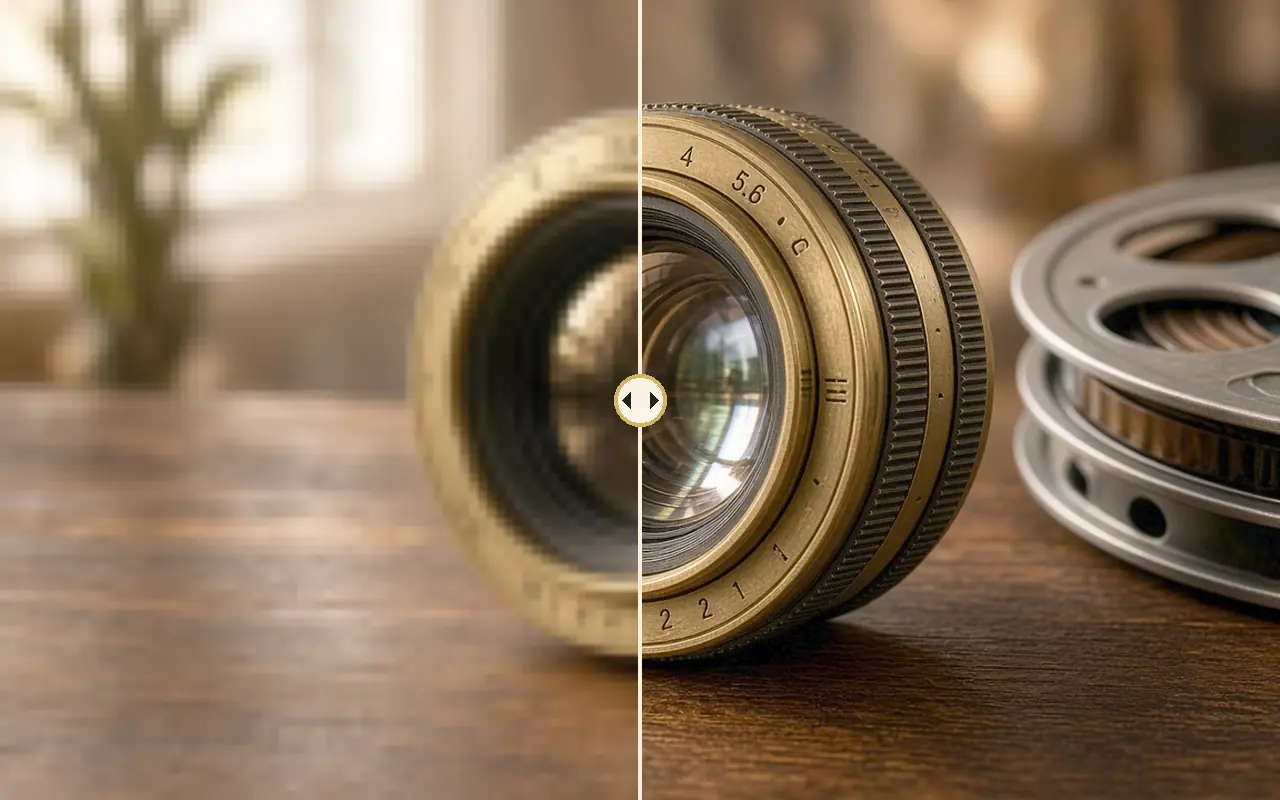
Sharpens and enlarges an image or video without re-inventing it.
≈ 2–3 (image) · 42–63 (vidéo 5 s) credits estimatedFinalise only the takes you keep: it enhances, it never regenerates.
Adds in-between frames so motion looks smoother.
≈ 2–4 credits estimatedUse it after finishing, and skip it on anime styles that move on twos.
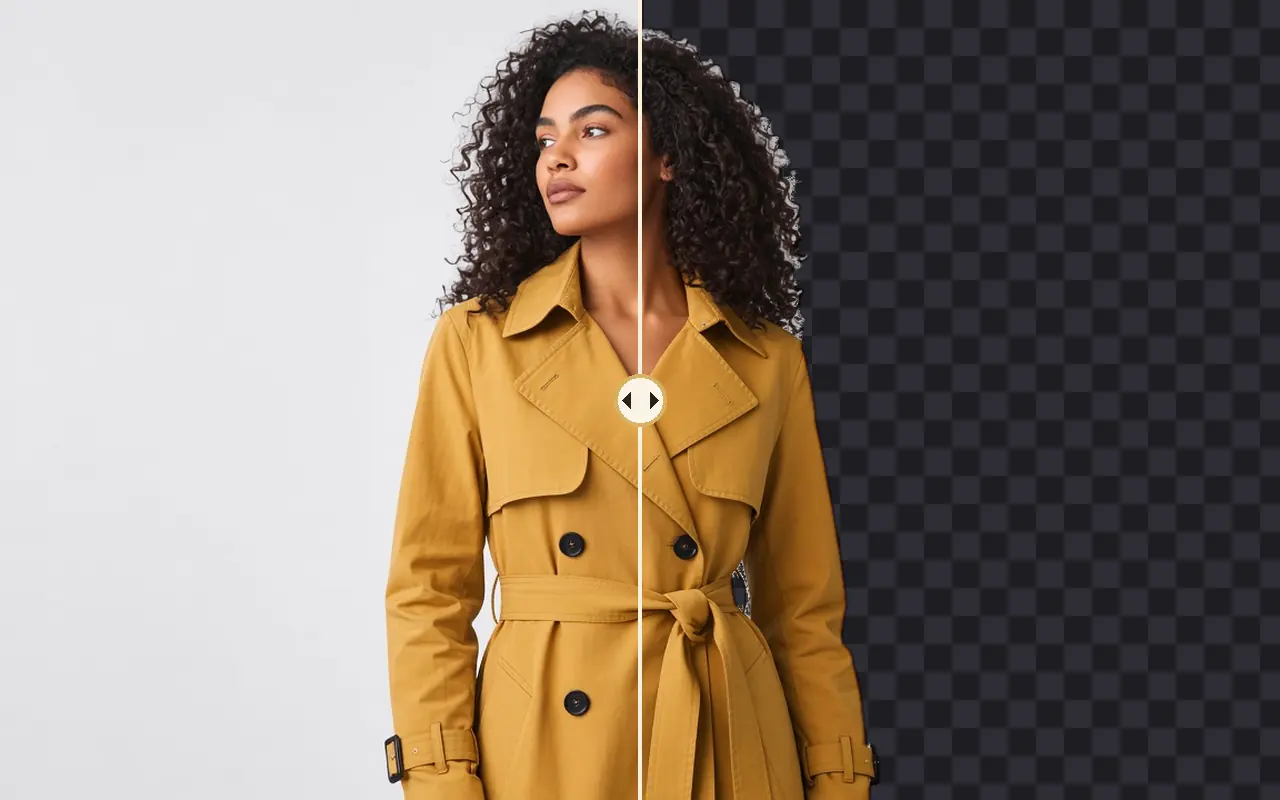
Cuts the subject out from its background.
≈ 1 credits estimatedDetour before giving a character as a reference: refs read better.
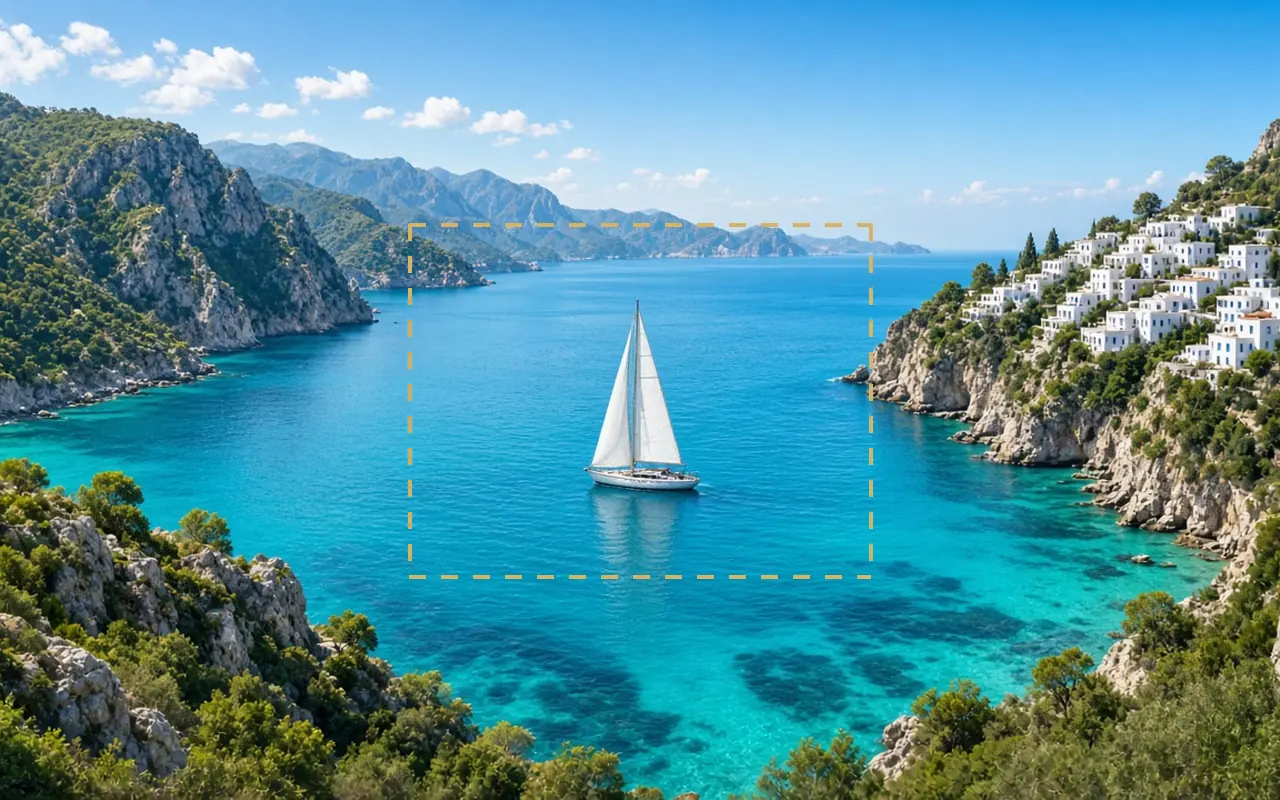
Extends an image beyond its edges.
≈ 5–8 credits estimatedSay what should appear in the new space, not just “extend”.
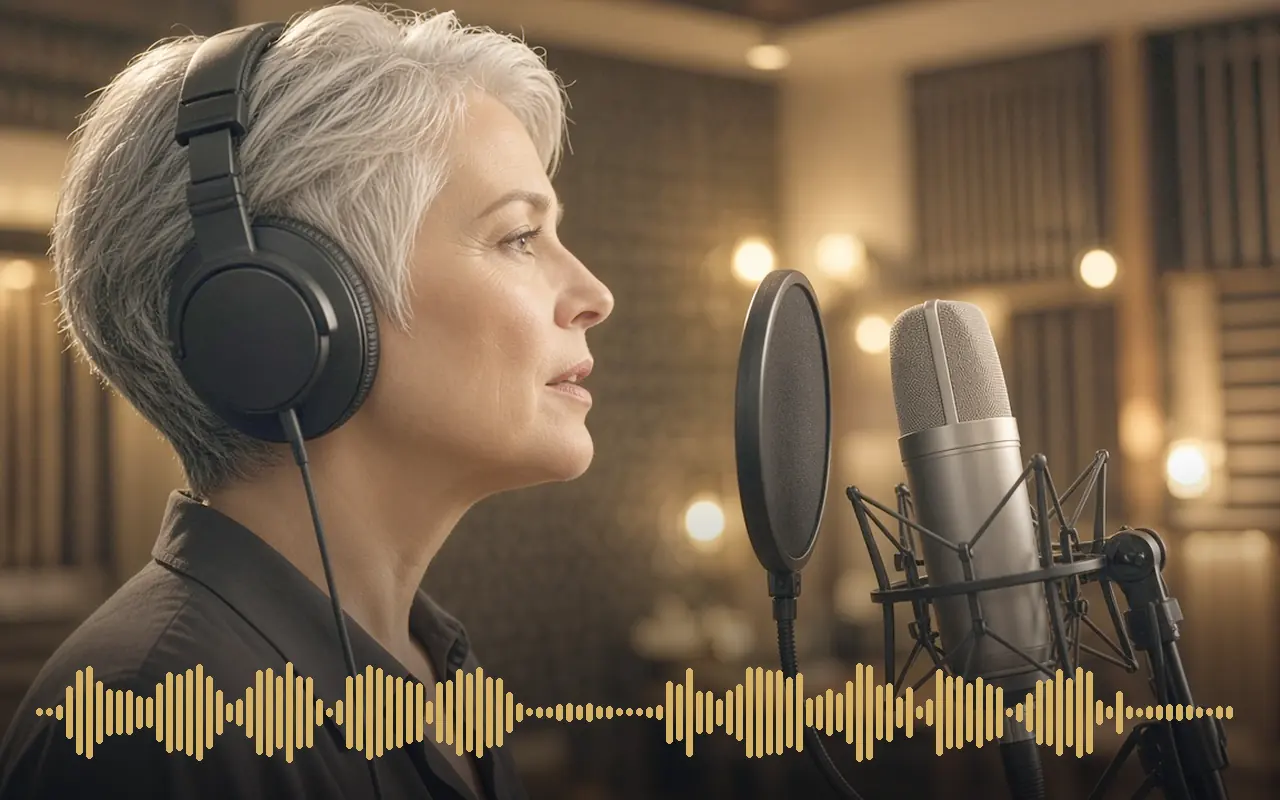
Speaks your text in many languages, can copy a voice sample.
≈ 3–5 credits estimatedSplit long lines into short sentences; punctuation drives the pauses.

Makes music, with or without lyrics, from a description.
≈ 3–6 credits estimatedGive genre, mood, tempo and instruments: “slow piano, rain, 70 BPM, melancholic”.
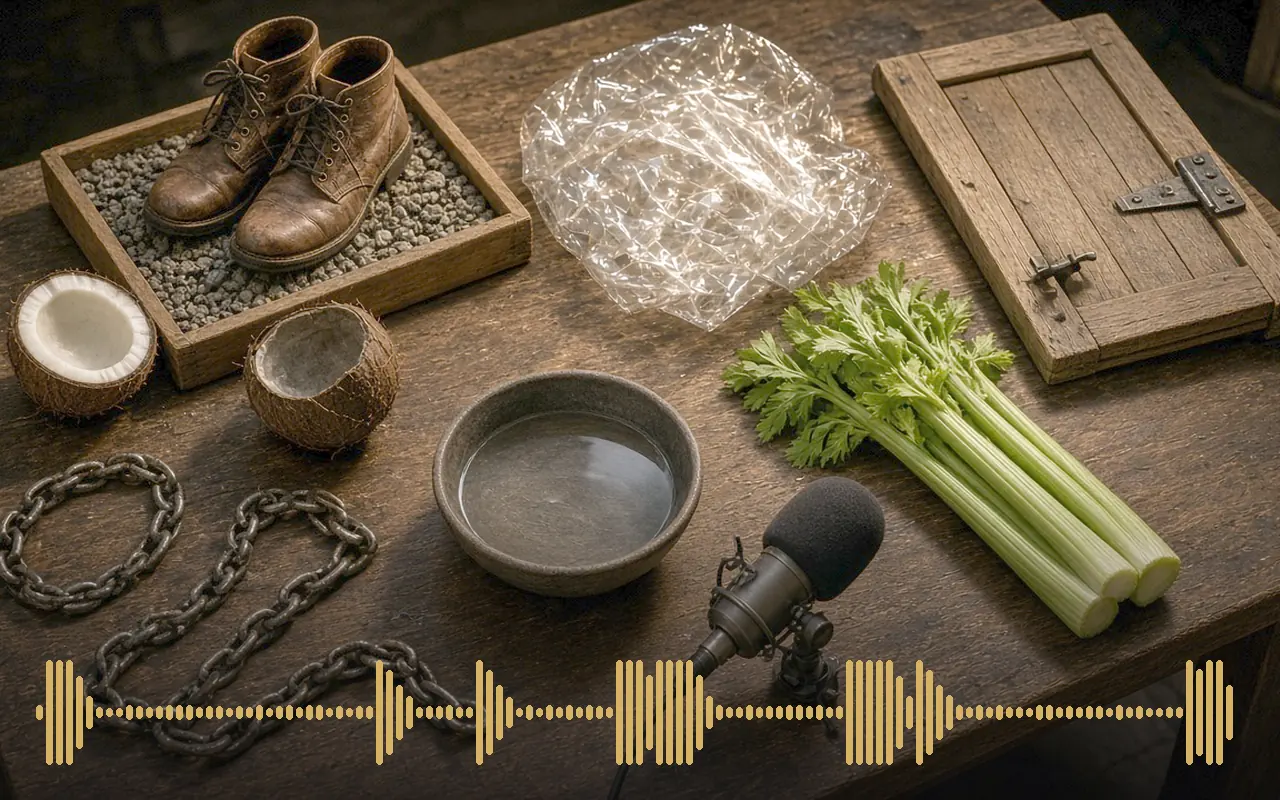
Makes sound effects and ambience from text.
≈ 2–3 credits estimatedDescribe the source, the space and the distance: “distant thunder in a wide valley”.
Splits a track into voice and music.
≈ 1 credits estimatedRun it before lip-sync when the voice has music behind it.
Uttu reads your words and pictures, then plans the right tool and price.
≈ 1–3 credits estimatedSay who, where, what happens and how long: Uttu fills in the rest.